Beyond simply replenishing battery life, a dedicated charging and communication dock functions as a critical control interface for maintaining sensor accuracy and data integrity. It serves as the physical bridge required to perform initial zero-point calibration, weight balancing of the sensor array, and the synchronization of high-capacity offline data to desktop software.
The Core Takeaway The dock is not merely a power source; it is a mandatory "service station" for your hardware. It connects the physical sensors to management software to establish a reliable baseline for measurement and to retrieve data stored locally on the device.
Establishing Sensor Accuracy
The primary technical function of the dock, outside of power delivery, is to act as a stable environment for calibrating the complex sensor arrays within the insoles.
Zero-Point Calibration
The dock provides the necessary conditions for zero-point calibration. This process resets the sensors to a neutral baseline, ensuring that the data collected starts from a strictly defined "zero" state rather than drifting due to residual environmental noise.
Weight Balancing
Through the dock's connection to control software, users can perform weight balancing. This adjusts the sensor array to account for variations in pressure distribution, ensuring uniformity across the sensing surface before active use begins.
Data Synchronization and Communication
While calibration ensures future data is accurate, the dock also serves as the pipeline for retrieving past data.
The Physical Data Bridge
The dock integrates firmware communication capabilities that allow it to talk directly to the insole's onboard processor. It acts as a physical intermediary between the wearable hardware and your desktop analysis tools.
High-Capacity Offline Transfer
Smart insoles often store data locally when used in the field. The dock utilizes a USB interface to facilitate the transfer of this high-capacity offline data, synchronizing it with desktop software for detailed analysis.
Understanding the Operational Trade-offs
The Necessity of Physical Connection
The reliance on a dedicated dock implies that calibration and deep data retrieval are not always real-time or wireless processes.
To perform these critical maintenance tasks, the insoles must be removed from the user’s footwear and physically seated in the dock. This workflow separates the "data collection" phase from the "maintenance and analysis" phase, which requires a structured approach to your testing schedule.
Making the Right Choice for Your Workflow
The dock is an essential tool for the lifecycle of the device. Here is how to utilize its functions based on your immediate needs:
- If your primary focus is Device Setup: Ensure the insoles are docked to perform zero-point calibration and weight balancing to guarantee accurate baseline readings.
- If your primary focus is Post-Activity Analysis: Use the dock’s USB interface to synchronize high-capacity offline data that was stored on the device during the session.
The dock transforms the insole from a standalone sensor into a managed, calibrated instrument capable of reliable long-term data collection.
Summary Table:
| Function Type | Key Capability | Importance in Calibration |
|---|---|---|
| Sensor Accuracy | Zero-Point Calibration | Establishes a neutral baseline to eliminate environmental noise. |
| Pressure Tuning | Weight Balancing | Adjusts for pressure distribution variations across the sensor array. |
| Data Retrieval | Offline Syncing | Transfers high-capacity local data to desktop software via USB. |
| Hardware Maintenance | Firmware Interface | Provides a physical bridge for system updates and device management. |
Partner with 3515 for High-Performance Footwear Solutions
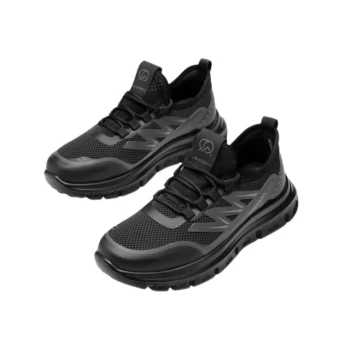
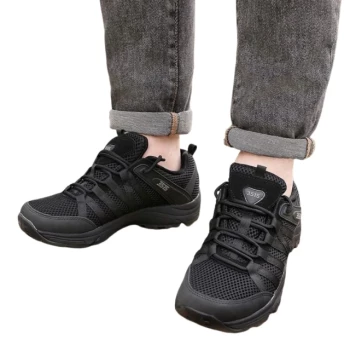
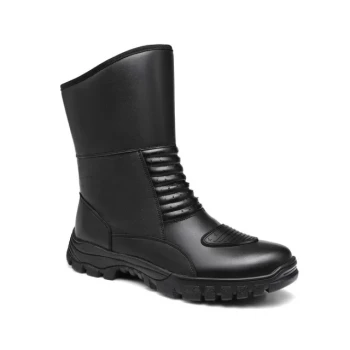
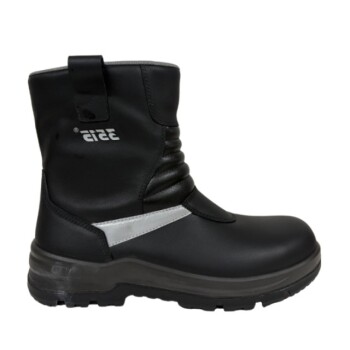
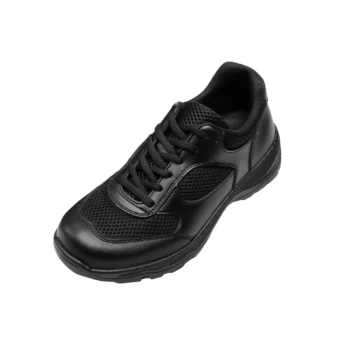
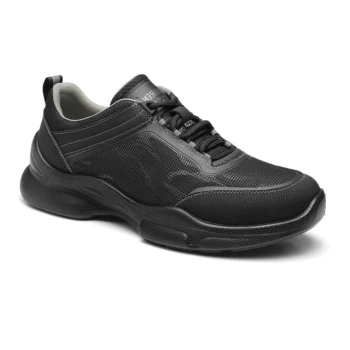
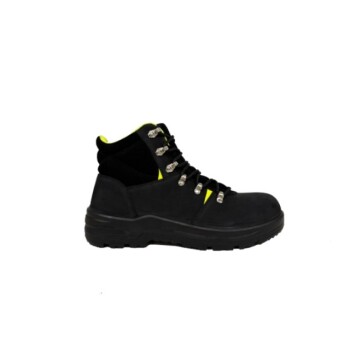
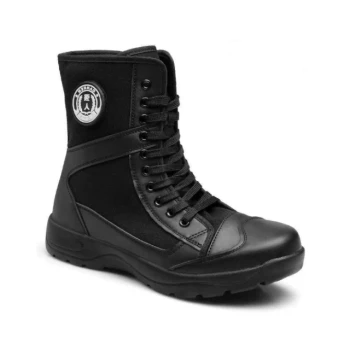
As a large-scale manufacturer serving global distributors and brand owners, 3515 delivers comprehensive production capabilities across all footwear categories. While our flagship Safety Shoes series sets the industry standard for protection, our expertise extends to technical work boots, tactical gear, sneakers, and formal shoes designed to integrate with modern smart technologies.
Ready to elevate your product line with reliable, precision-engineered footwear? Contact us today to discuss your bulk manufacturing needs and discover the value of partnering with an industry leader.
References
- Sara Guarducci, Lorenzo Mucchi. Key Fundamentals and Examples of Sensors for Human Health: Wearable, Non-Continuous, and Non-Contact Monitoring Devices. DOI: 10.3390/s25020556
This article is also based on technical information from 3515 Knowledge Base .
Related Products
- Wholesale Durable Safety Boots Manufacturer Customizable Steel Toe Work Boots
- Lightweight Breathable Sneakers with Wet-Traction Grip for Wholesale & Private Label
- Durable Leather Moc Toe Work Boots for Wholesale & Custom Manufacturing
- Wholesale Training Shoes with Dial Lacing System Custom OEM Manufacturing
- Wholesale Modern Comfort Shoes with Dial Closure for Private Label & Bulk Orders
People Also Ask
- What are the pros and cons of steel toe work boots? A Guide to Maximum Protection vs. Comfort
- What are the different types of steel toe work boots? Choose the Right Boot for Your Job
- What is the history of steel toe work boots? From German Invention to Modern Safety Standard
- How much weight can steel toe work boots withstand? Unpacking the 3,372 lb. Safety Standard
- What are some common myths about steel toe work boots? Debunked for Modern Workers